A season takes more people and time than you have.
One season of a 30–80-episode short drama needs a lot of planning, filming and editing staff, and a long schedule.

02. SHOT-X · AI SHORT-DRAMA STUDIO
Shot-XALPHA
Shot-X is an AI production studio that creates short dramas — from planning to scripts, storyboards, video, editing and export — within a single project. Turn your story into a season-length short drama without a film crew or a studio.
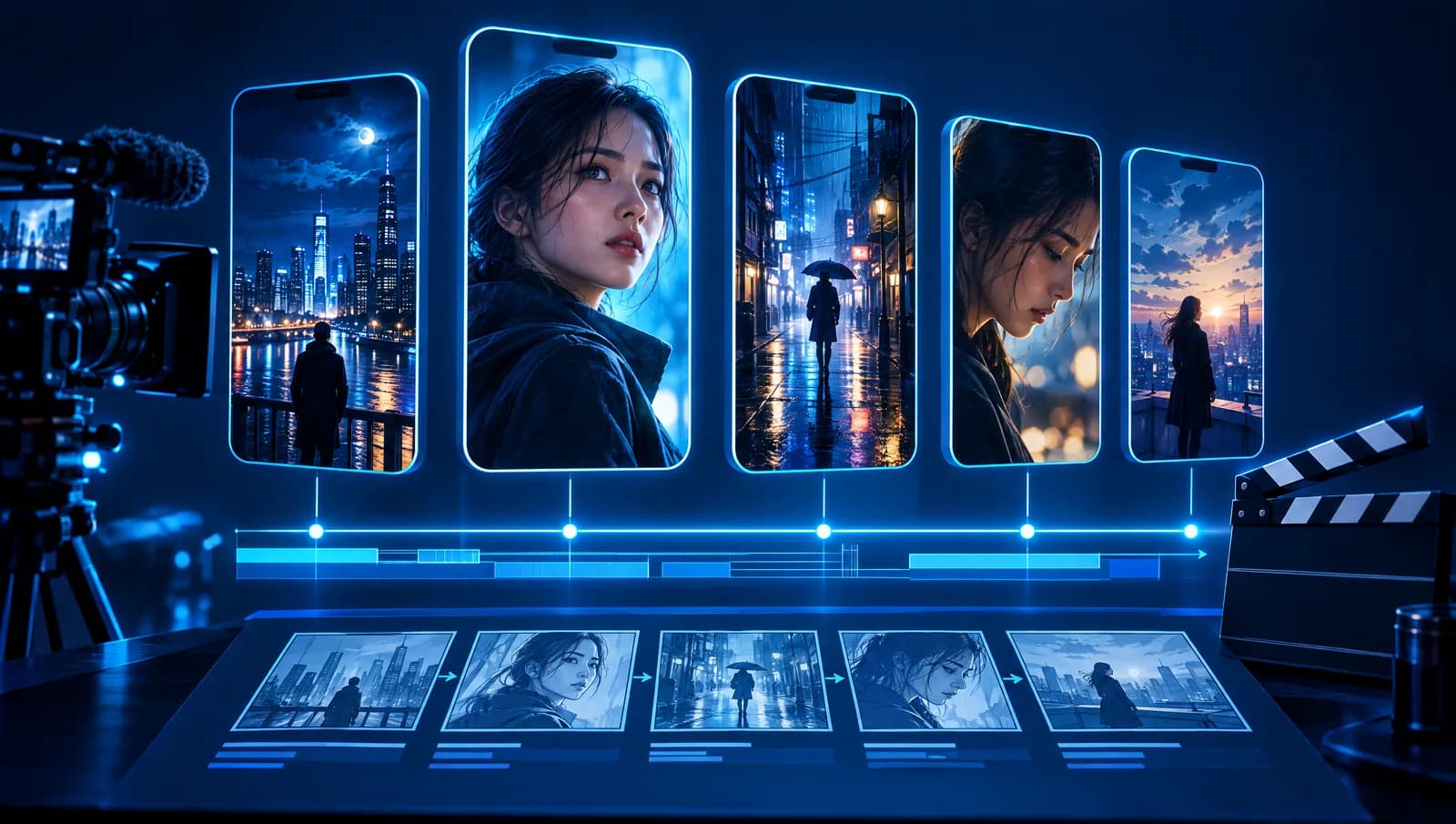
THE PROBLEM
One season of a 30–80-episode short drama needs a lot of planning, filming and editing staff, and a long schedule.
Rewriting prompts for every scene means the lead's face, locations and mood drift a little more as episodes pile up.
When you change a synopsis, someone has to hunt down which scripts and which cuts need to be remade.
Generation costs show up only after you get the result, which makes budgeting hard.
WHY SHOT-X
Idea → logline → synopsis → characters → script → storyboard → assets → keyframes → video → editing: ten steps in one project. What you make in one step becomes the material for the next, so there's no copying and pasting.
Set the story bible (world, tone, rules), character looks, locations and style guide once, and they are applied automatically to every image and video generated afterward.
When you change a synopsis or character, affected scripts, cuts and keyframes get an “update needed” mark. Remake only what's needed, with nothing missed.
The AI offers several options every time; choosing and editing is up to you. Approval gates at key steps mean you only move on based on confirmed content.
Every generate button shows the estimated credits before it runs. Credits for failed or canceled jobs are returned automatically.
10-STEP PROCESS
From idea to final video, the result of each step becomes the material for the next.

Find story seeds in conversation with AI and collect them as cards
Refine a one-sentence concept and title candidates
Organize the world and build the season arc and an episode-by-episode outline
Set character profiles, faces, outfit looks, reference sheets and voices
Write scene-by-scene scripts, rewrite with AI and check running time
Break the script into cuts and make rough storyboards
Organize locations, props, costumes, art and style
Generate and select start and end frame images for each cut
Generate cut videos in multiple takes and add dialogue audio and lip-sync
Cut, assemble, add subtitles and music on the timeline, and export a final file in the aspect ratio and resolution set for the project
KEY FEATURES
Upload a manuscript you've already written (PDF, DOCX, TXT) and we fill in the logline, synopsis and characters and create the project for you.
Pick one of the face candidates to generate a reference sheet, and the same face is referenced for every scene generated afterward. Scenes where outfit, hair or age change are managed as “looks”.
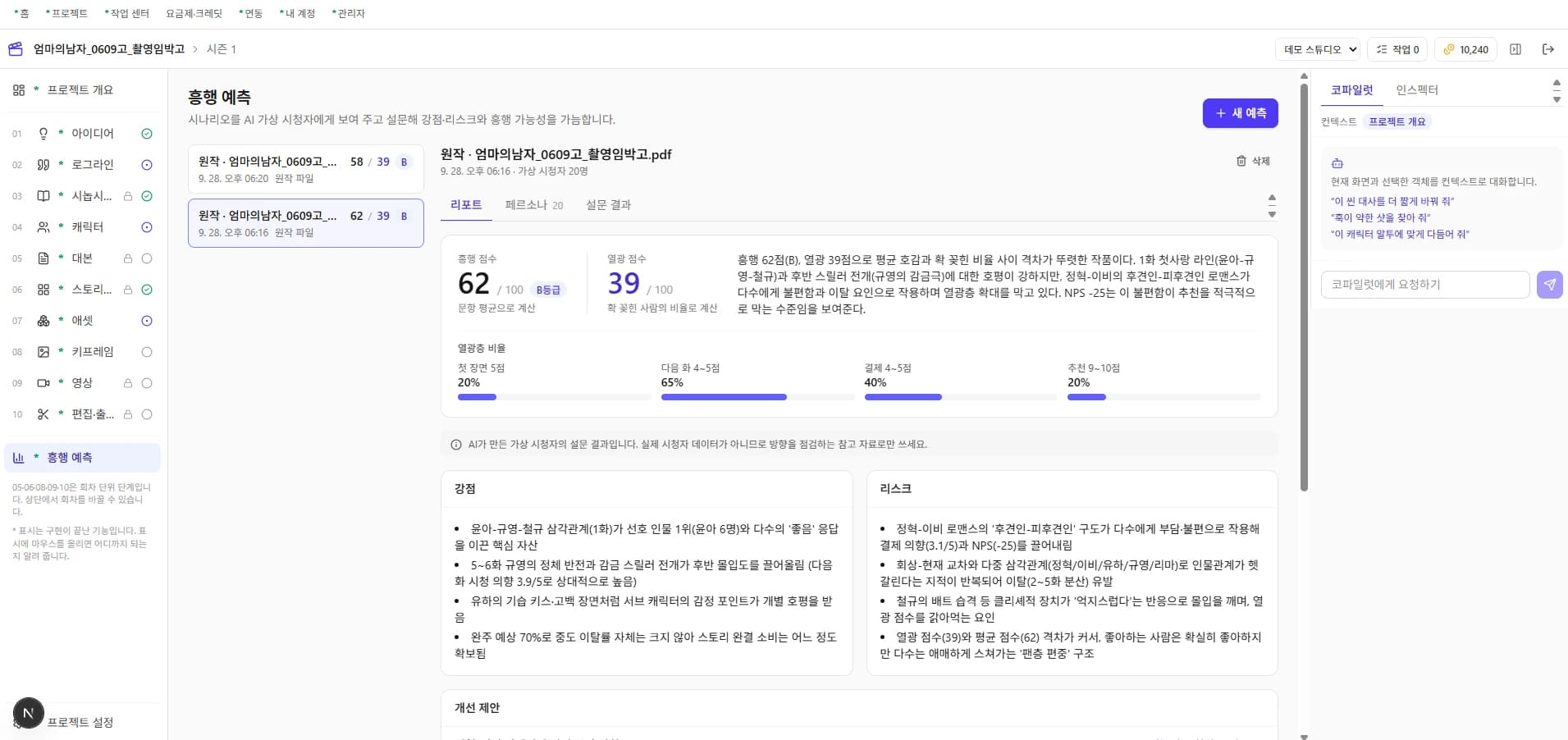
Have up to 50 AI virtual viewers (personas) read your manuscript and run a survey. Set the target age, gender and platform, and get a report on the work's strengths, drop-off risk zones and improvement suggestions. Click a suggestion to jump straight to the step to fix.
Use Claude for writing, and choose among connected generation models for images and video. You can change the model, quality and resolution per task, and set a default model per project.
Connect AI services you already use, such as a Claude API key or a Higgsfield account. Keys are stored encrypted, and only the last four characters are shown on screen.
Swap cuts, trim, edit subtitles and place background music on a multitrack timeline with a preview in the aspect ratio set for the project (9:16 by default). Background music ducks automatically when dialogue plays.
Set the aspect ratio and resolution (default 9:16, 1080×1920) when you create a project, and we render to that spec in H.264 at the platform-recommended loudness (-14 LUFS). Provenance information (C2PA) stating the video was made with AI is embedded in the file.
A previous version is saved automatically every time you edit, so you can restore earlier content at any time.
BUILT FOR
For people who want to turn their IP into video without a film crew. Upload a manuscript to fill in the planning documents and characters, then check reaction first with box-office prediction.
Teams that need to turn out 30–80 episodes a season quickly. Step-by-step approval and change tracking let you manage quality and schedule even as episodes multiply.
Teams planning branded short dramas or ad-style series. Set a style guide and every scene is made in the same tone.
TRUST & SAFETY
Provenance information (C2PA) stating the video was generated with AI is embedded in output videos.
Data is separated per workspace, so other teams' projects can't be seen.
Connected AI service keys are stored encrypted and the original value is never shown anywhere.
COMING SOON
We will let you know the release schedule once it is confirmed.
This product is currently in developer testing (ALPHA). Features and schedules may change.
GET STARTED
A one-line idea is enough. Finish the rest with Shot-X.